Play Vex 10 Unblocked
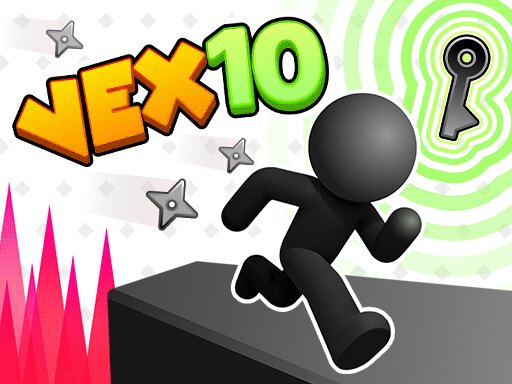
Play Vex 10 free in your browser — no download, no sign-up. Works on Chromebooks, laptops and phones.
Vex 10 is here - and this time, Vex takes a different turn! Take on brand-new Acts filled with deadly traps, tricky obstacles, and game-changing mechanics. Walk on ceilings with upside-down gravity, switch between characters, rotate platforms, and avoid invisible booby traps. Freeze time to safely bypass obstacles, or take on the all-new Challenge Mode where you control multiple Vex characters at once. Play Vex 10 free on TabArcade — a agility game that runs right in your browser with no downloads or sign-ups, on Chromebooks, laptops and phones.
2dplatformerparkourstickmanKids FriendlyNo BloodjumpingOn keyboard, use the Arrow keys or WASD to move, jump, and crouch your stickman. On mobile, tap the on-screen buttons to run, jump, slide.
Tip: click the Fullscreen button for the biggest play area, especially on a Chromebook. If the game seems stuck loading, wait a few seconds and refresh once — browser games stream their assets on first load.
Vex 10 FAQ
Is Vex 10 free to play?
Yes. Vex 10 is completely free to play on TabArcade. There are no downloads, no installs and no sign-up — the game loads in your browser and you can start playing right away.
Is Vex 10 unblocked at school?
Vex 10 runs in a normal browser tab with nothing to install, so it works anywhere you can open TabArcade — including school Chromebooks on most networks.
Can I play Vex 10 on a Chromebook?
Yes. Vex 10 runs in a regular browser tab, so it works on school and home Chromebooks as well as Windows, Mac and Linux computers. Just open the page and press play — nothing needs to be installed.
Does Vex 10 work on phones and tablets?
Vex 10 plays in any modern mobile browser, but it is best enjoyed with a keyboard and a larger screen, for example on a Chromebook or laptop. Use the fullscreen button above the game for more room.